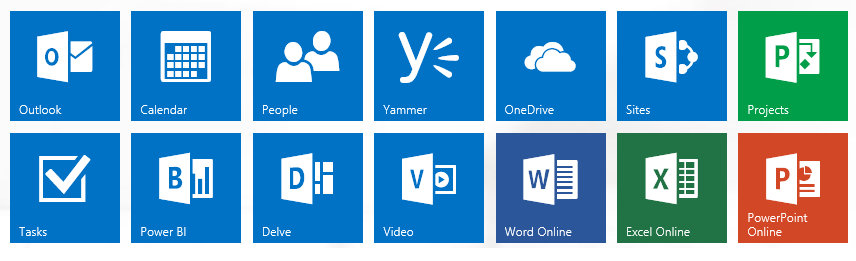
Organisations of today require increasingly advanced tools for productivity and communication to serve their customers, accomplish various tasks and stay connected. Meanwhile, it may happen that companies are not aware of various capabilities in the packages or services they are to use. Technology or business decision makers need to plan in advance or facilitate more consumption of existing software or service packages to achieve higher return in investment. With this article we will start exploring ways to plan and increase package consumption in case of Office 365.
Simple Tip: Share Access to Documents Instead of Sending Files
Office 365 provides simple way to grant access (edit or view) to your folder, files and documents. This can help you not only to control permission levels to your documents, but also save a lot of space and confusion in mailboxes by having one storage place and version control system with collaborators.
Leverage Integration With Other Applications
Office 365 enables many enhanced use cases to increase productivity by integrating with other applications. For example, Lync now works with Skype contacts enabling instant messaging, voice and video calls between both.
Sales Productivity is a package solution combining Dynamics CRM Online and Office 365 in a powerful way. Integrated scenarios include, but not limited to the following.
* Internal social networking on Yammer enabling better collaboration when working on sales opportunities and other scenarios.
* Advanced sharing and administration of documents related to entities in CRM using SharePoint
* Exchange Online support for email campaigns, calendar integration etc.
* Data integration with Excel (on-premise and Office Web Apps)
* Microsoft Office mail merge for direct mail campaigns
* Data analysis in Excel, Power BI
Selecting The Right Plan for Business Needs (Sizing)
Office 365 has various plans to select the right solution components for organisations to match with their actual requirements. For example, some workers are without a desk or office, such as shift or retail staff, or any workers who use a shared PC. Office 365 kiosk plans are designed to provide services to improve communication and collaboration for these workers without investing into other capabilities which are not used.
Explore New Releases
As Office 365 is evolving and new capabilities are released on monthly basis, explore what business value they can bring. Examples of past updates include - enhancements of Office Web Apps, Microsoft Office for iPad, mailbox size increase etc.
Align Consumption With Timeline of Projects
Deployment and migration for Office 365 or its separate products such as Exchange Online, SharePoint etc. require planning, allocation of resources leading to some need for project management and scheduling. It might be a good idea acquiring the new capabilities while making sure the actual ability to implement and at least have a rough plan to deploy them.
Explore Possibilities with Free Training Resources
You can always learn new things and nowadays a lot of resources are for free. Getting training in Office 365 and learning ways to use it is available for free at least in English.
Here is a good list of available free assets.